
01
Why it mattersBeginner-friendly setup
Fire TV Stick is compact, familiar, and easy to test on a main TV or secondary room screen.
Firestick IPTV is one of the most searched setup paths because Amazon Fire TV Stick devices are compact, affordable, and easy to use on a main TV. UltraMediaView helps you test IPTV on Firestick with a 4-hour free trial, guided WhatsApp support, and practical setup checks before you choose a paid plan.
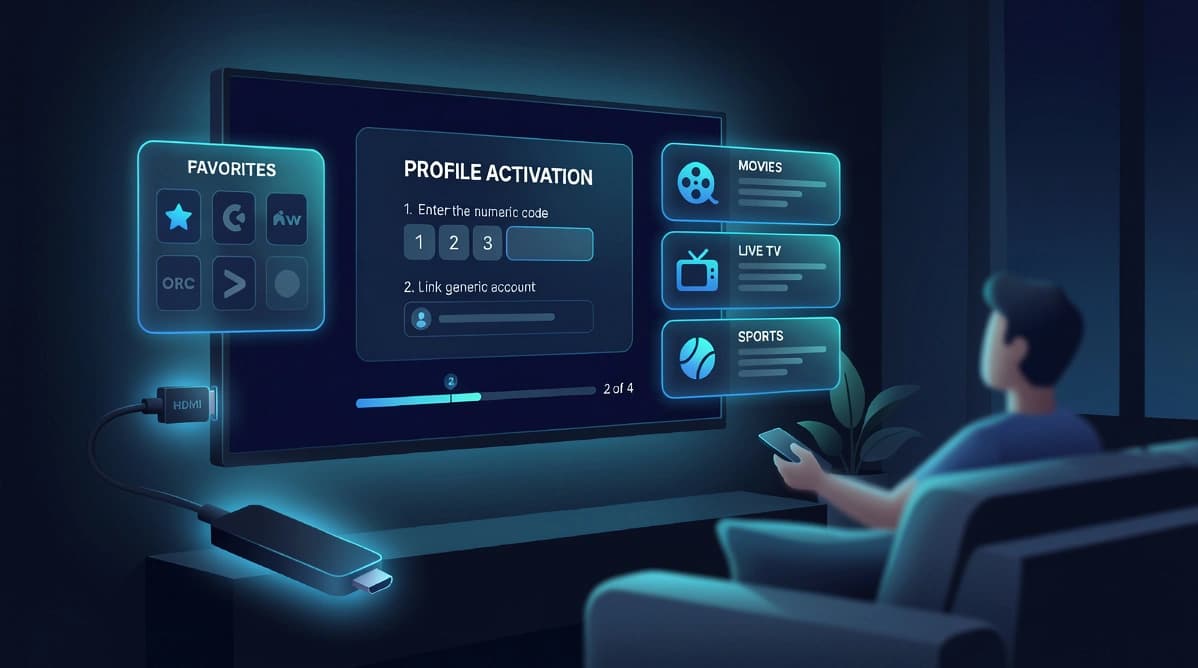
Fire TV Stick works well for viewers who want a TV-first setup without buying a new television. The device is portable, simple to restart, and familiar for everyday navigation, which makes it a strong route for first-time IPTV users.
Fire TV Stick is compact, familiar, and easy to test on a main TV or secondary room screen.
Support can help you choose a reputable IPTV player and understand app requirements before activation.
Use the 4-hour free trial to test Firestick IPTV playback, navigation, and stream quality before choosing a paid plan.
Improve stability by checking Wi-Fi strength, device storage, software updates, app cache, and background apps.
Use Personal for one Firestick, or choose Family and Premium if you need additional household devices.
Order on WhatsApp so support can confirm your plan, payment details, and setup route before you begin.
The best Firestick IPTV setup starts before the app opens. A stable Wi-Fi connection, updated device software, enough free storage, and the correct login format all affect the first playback test.
If you are searching for IPTV Amazon Fire Stick or IPTV Smarters Firestick instructions, treat the app as one part of the process. The subscription, player, internet connection, and device health all need to work together for a stable viewing experience.
Step 01
Update Fire OS, restart the device, check available storage, and confirm the Wi-Fi signal is strong where the TV is located.
Step 02
Many users search for IPTV Smarters Firestick setup, but availability can vary. Use reputable sources and ask support which player best fits your device.
Step 03
Use the exact format provided after order confirmation. Small spacing errors or the wrong input method can stop categories from loading.
Step 04
Allow the first sync to finish, test live categories, check remote navigation, and save favorites only after the service is loading correctly.
One Fire TV Stick usually needs only one connection, so the Personal plan is the simplest starting point. If you want IPTV on Firestick plus a Smart TV, Android TV box, phone, or tablet, Family and Premium plans are easier to manage because they are built around multiple devices.
The free trial is useful for Firestick users because compact streaming devices can be sensitive to Wi-Fi strength, storage, and background apps. Testing first helps confirm whether the device setup is ready before you choose a longer subscription.
These answers cover app choice, installation, buffering, compatible plans, and the free trial path.
Use the free trial, confirm your app setup, then choose the plan that matches your device count and viewing routine.
Start the premium flow
Choose a plan, open WhatsApp, and receive the next steps with setup guidance.