IPTV Setup on Fire TV Stick
A focused setup guide for Fire TV Stick users who want a compact, portable, and TV-friendly way to access their IPTV subscription.
What this guide covers
This article is designed to help readers move from general interest to practical action. It focuses on the main steps, decisions, and troubleshooting points that matter most for this topic, without forcing visitors to jump between multiple pages just to understand the basics.
If you are comparing devices, evaluating a subscription path, or preparing for setup, the sections below are meant to give you a clear, support-friendly starting point before you move on to pricing or direct WhatsApp contact.
Prepare the device
Fire TV Stick is a strong option when you want portability and a simple television-first workflow. Before installing anything, make sure the device software is updated and the home Wi-Fi signal is strong where the television is located.
This quick preparation stage saves time later because compact streaming sticks are more sensitive to weak wireless conditions and limited free storage than larger devices.
- Update Fire TV software before setup
- Confirm good Wi-Fi signal near the television
- Remove unused apps if storage is tight
Install and sign in
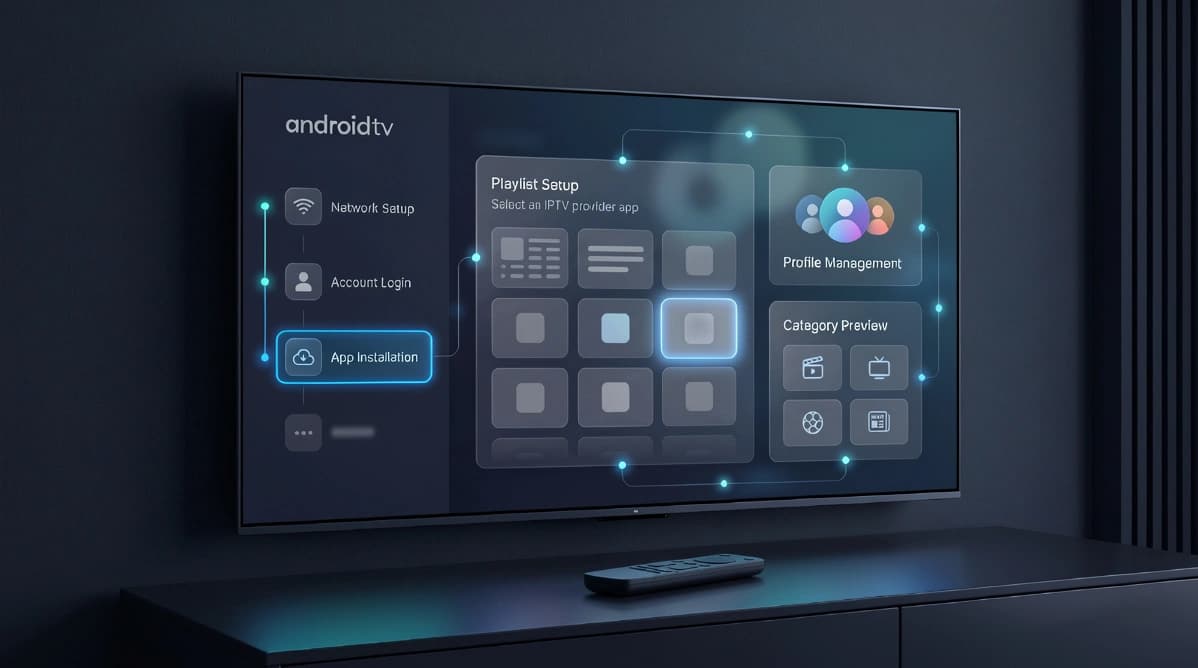
Install a compatible IPTV player, open it, and choose the login format that matches your activation details. As with other platforms, exact data entry matters more than speed during the first setup.
If the app provides a device profile name, use one that identifies the room or owner. This is especially helpful when you use more than one Fire TV device across the home.
- Choose a TV-friendly IPTV player
- Enter subscription details carefully
- Label the profile clearly if the app supports it
Test streaming comfort
Once playback works, test how comfortable the experience feels from the sofa. Fire TV is often chosen for ease of use, so it is worth checking menu speed, category browsing, and remote navigation right away.
This is also the ideal time to create favorites and confirm that the household can reach the most important sections without digging through long lists.
- Test menus, search, and category browsing
- Add favorites for everyday convenience
- Check that playback resumes reliably after idle time
Maintenance tips
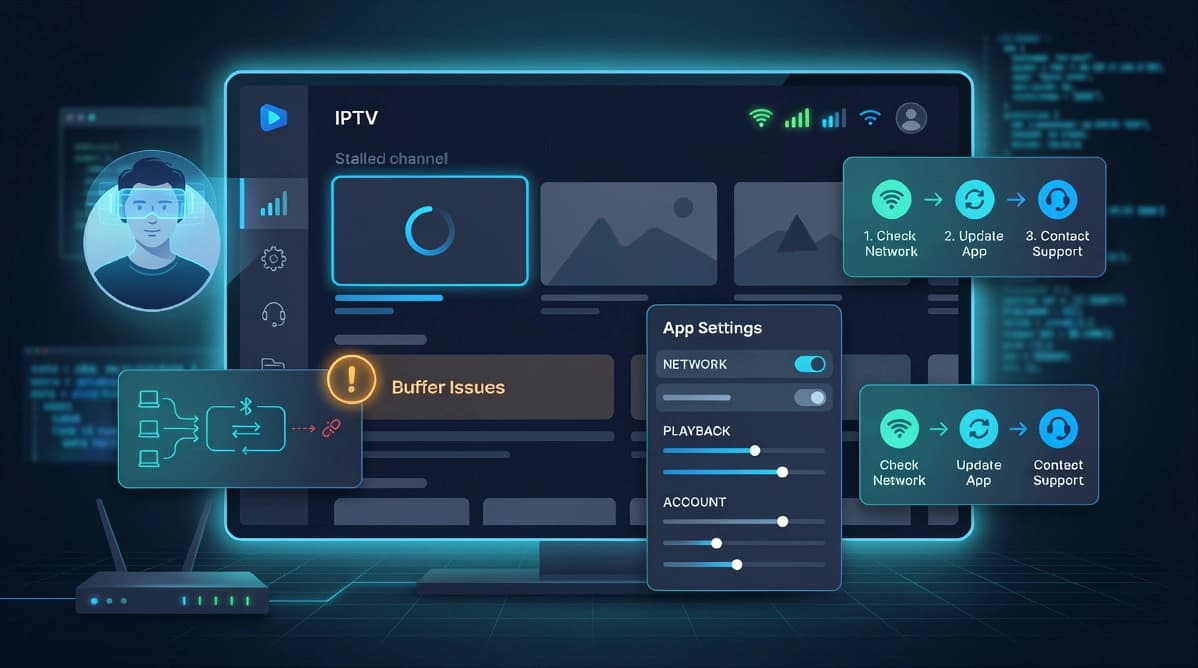
For better long-term stability, keep the device updated, avoid filling storage completely, and restart it from time to time. These small habits help compact streaming devices stay responsive.
If performance drops, compare the device on a less congested network period or closer to the router before assuming the app itself is the main problem.
- Restart the device periodically
- Keep some free storage available
- Retest at a different time if playback feels inconsistent
Practical next step
Once you understand the topic covered here, the next step is usually to match it to your device setup, viewing habits, and subscription needs. That is why UltraMediaView pairs educational content with plan pages, tutorials, and direct support rather than leaving visitors to figure out the final step on their own.
If you still have questions after reading, the pricing, devices, tutorials, and contact pages can help you move from research into action with much less friction.
- Compare best IPTV UK providers if you are buying for the UK market.
- Review IPTV subscription in France for French-language plan guidance.
- Prepare your device with the install IPTV on Firestick guide.