Best Devices for IPTV Streaming
Not every household watches the same way. This guide helps you choose the device category that fits your room setup, remote habits, and performance goals.
What this guide covers
This article is designed to help readers move from general interest to practical action. It focuses on the main steps, decisions, and troubleshooting points that matter most for this topic, without forcing visitors to jump between multiple pages just to understand the basics.
If you are comparing devices, evaluating a subscription path, or preparing for setup, the sections below are meant to give you a clear, support-friendly starting point before you move on to pricing or direct WhatsApp contact.
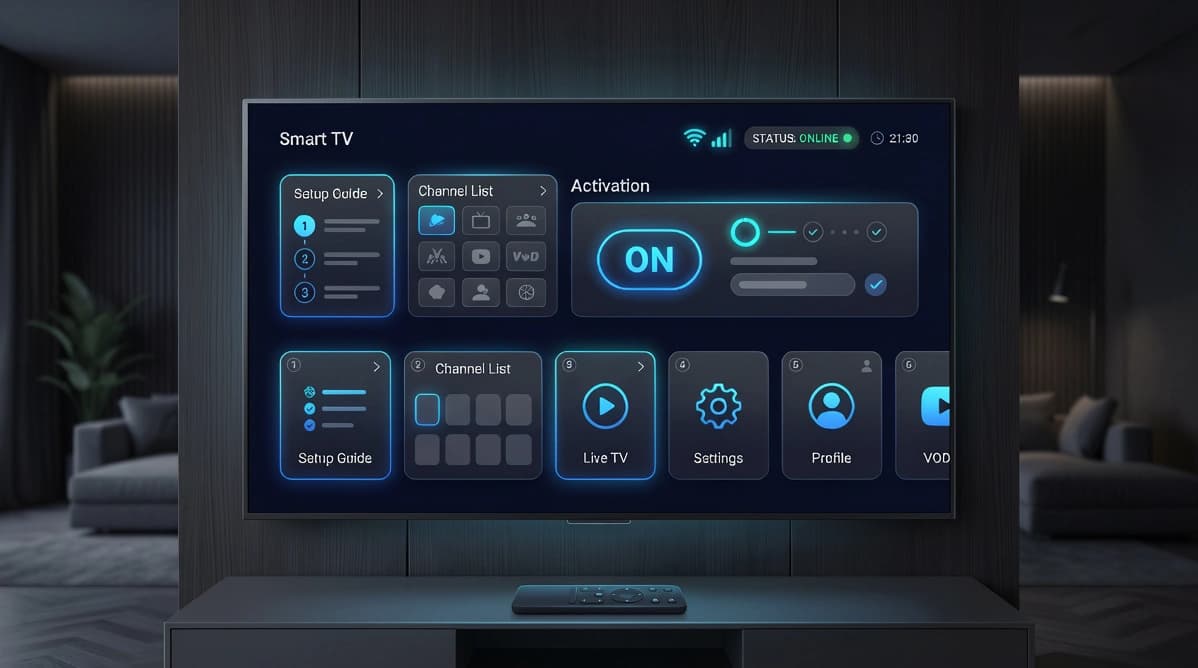
Smart TVs
Smart TVs are often the easiest starting point because they reduce the number of devices in the living room. If the app you need is available in the TV's app store, setup can be quick and comfortable for everyday use.
The main limitation is variation between TV platforms. Some offer better app choice and smoother navigation than others, so it helps to confirm compatibility before choosing a long-term subscription.
- Best for clean living room setups
- Good option when the built-in app selection is strong
- Less ideal when the TV platform is outdated or limited
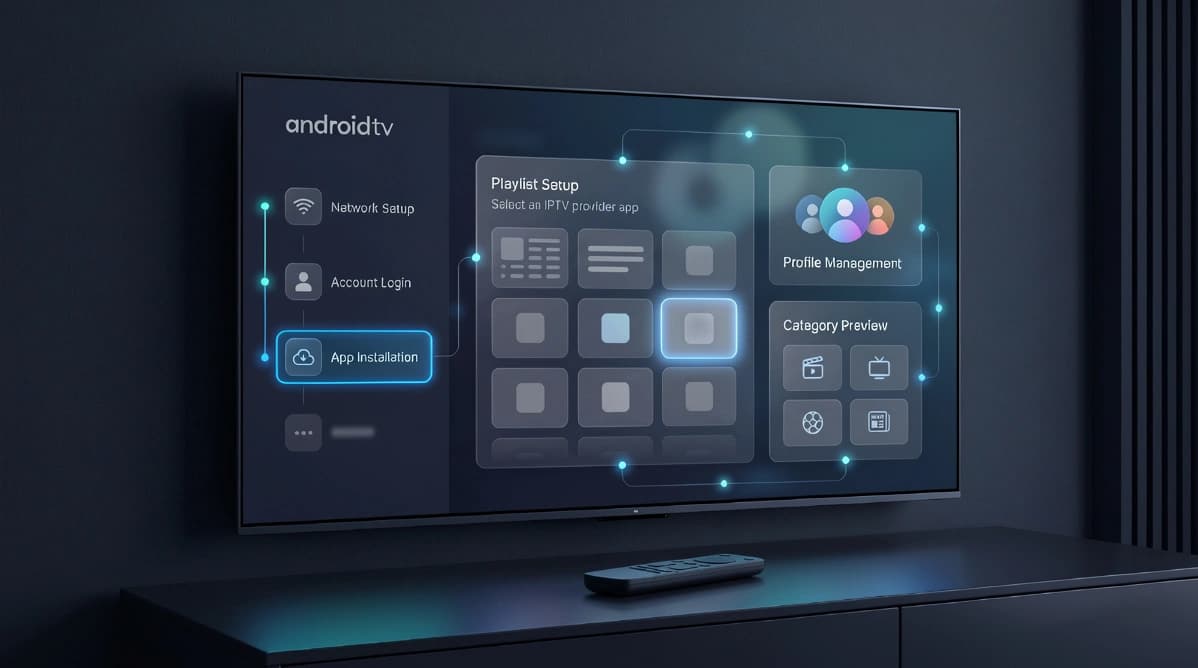
Android TV and boxes
Android TV and dedicated boxes remain popular because they usually provide broader app choice and more flexible player options. That makes them a strong match for customers who want a more customizable IPTV experience.
They also make it easier to switch apps over time if you prefer different guide layouts, stream controls, or interface designs. For many enthusiasts, this is the sweet spot between flexibility and TV-friendly navigation.
- Strong app flexibility and interface choice
- Great for households that want more control
- A practical upgrade path from limited built-in TV apps
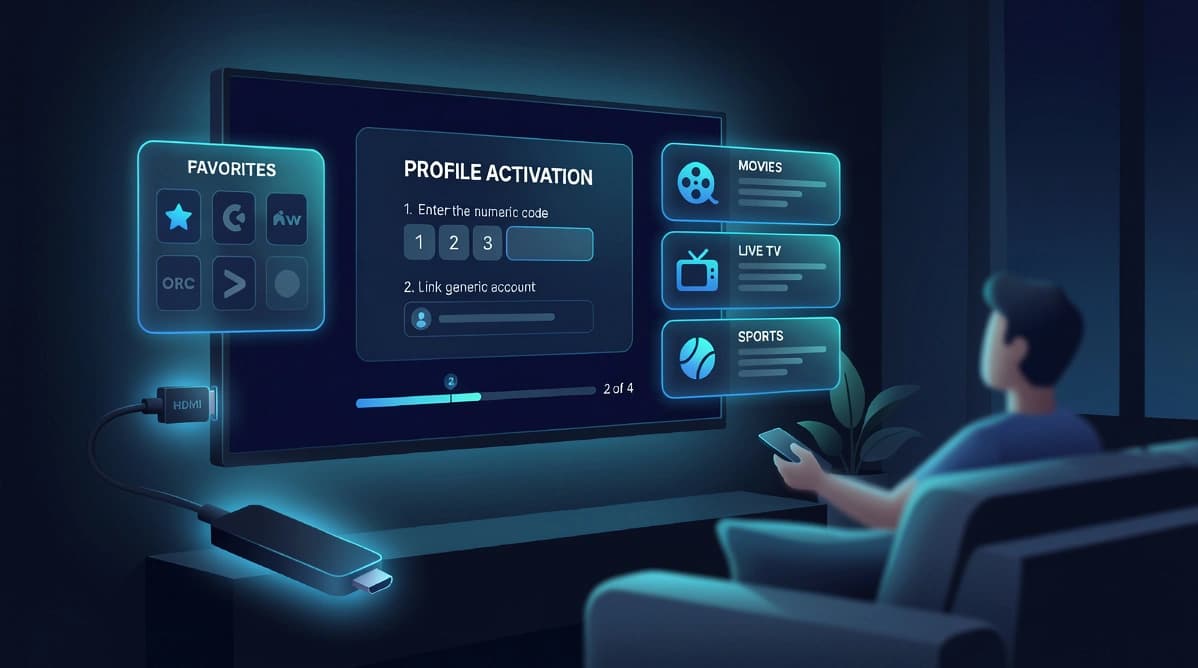
Fire TV and portable use
Fire TV devices are compact, travel-friendly, and simple to add to almost any screen with an HDMI port. They can be a very good fit for users who want a portable setup or an inexpensive secondary room device.
Phones and tablets are also useful for personal viewing, testing new accounts, or verifying service details during setup. They are not always the ideal primary living room experience, but they are excellent support devices.
- Fire TV works well for portability and secondary rooms
- Phones and tablets are useful for account checks and personal viewing
- Portable devices help during setup and travel scenarios
Which device should you choose?
If you want the simplest possible installation, start by checking whether your current Smart TV supports a solid player. If not, an Android TV or Fire TV device usually gives you more reliable app choice and a smoother onboarding path.
The best device is the one that matches your room, comfort level, and maintenance preference. A technically flexible device is only useful if the household is happy using it every day.
- Choose simplicity first if you want a low-friction experience
- Choose flexibility first if you expect to fine-tune your setup
- Choose portability if you need a device for travel or backup viewing
Practical next step
Once you understand the topic covered here, the next step is usually to match it to your device setup, viewing habits, and subscription needs. That is why UltraMediaView pairs educational content with plan pages, tutorials, and direct support rather than leaving visitors to figure out the final step on their own.
If you still have questions after reading, the pricing, devices, tutorials, and contact pages can help you move from research into action with much less friction.
- Compare best IPTV UK providers if you are buying for the UK market.
- Review IPTV subscription in France for French-language plan guidance.
- Prepare your device with the install IPTV on Firestick guide.