IPTV Setup on Android TV
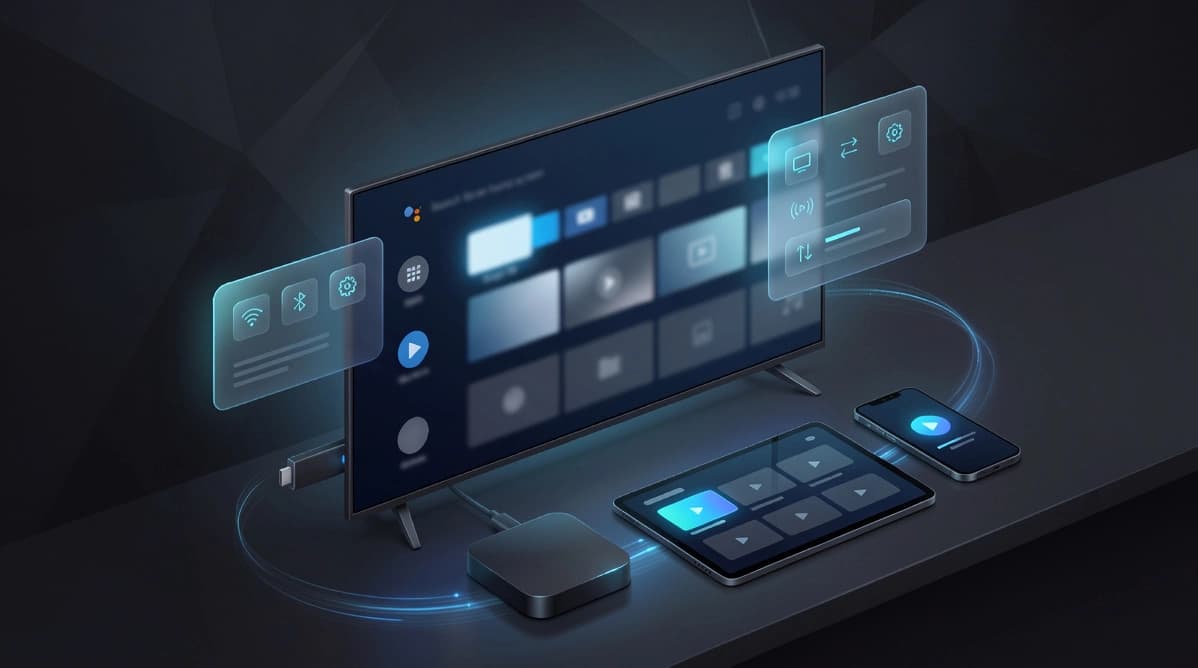
Android TV gives users excellent app flexibility. This guide explains how to use that flexibility without overcomplicating the setup process.
What this guide covers
This article is designed to help readers move from general interest to practical action. It focuses on the main steps, decisions, and troubleshooting points that matter most for this topic, without forcing visitors to jump between multiple pages just to understand the basics.
If you are comparing devices, evaluating a subscription path, or preparing for setup, the sections below are meant to give you a clear, support-friendly starting point before you move on to pricing or direct WhatsApp contact.
Choose a player
Android TV is popular for IPTV because it supports a wide range of players. The best starting point is a stable app with a clean remote-friendly interface, not necessarily the app with the most menus.
For first-time setup, simplicity wins. Start with one player, complete the activation, and only compare alternatives after the service is already working.
- Pick one reputable player for the first test
- Prioritize guide clarity and remote control navigation
- Avoid changing too many settings before initial login
Configure the app
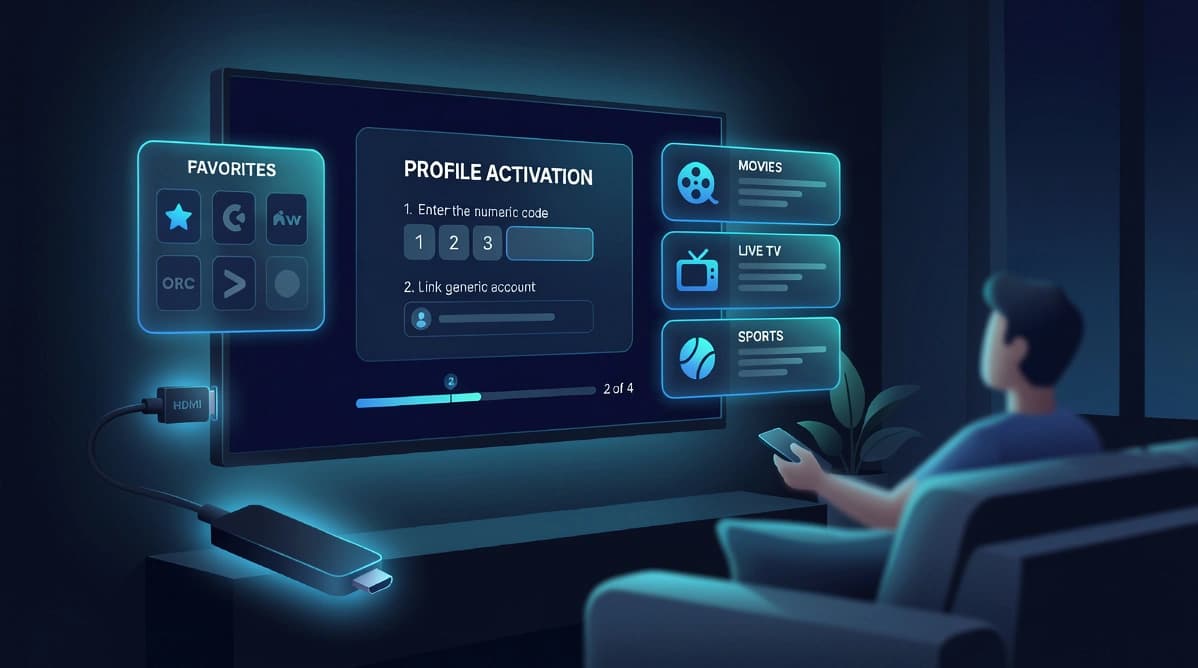
Once the app is installed, choose the input method that matches the activation details you received. Android TV players often support several formats, so selecting the right one is just as important as entering the details correctly.
If the app allows profile naming, use a clear label such as Family Room Android TV. That makes future adjustments easier, especially if you manage more than one screen.
- Use the correct login format for your subscription
- Name the profile clearly for easy management
- Allow the initial sync to finish before exploring categories
Organize the experience
After activation, spend a few minutes organizing favorites and checking category order. This small step makes the interface feel much more polished for everyday use.
Android TV is strong here because many apps allow a personalized layout, which is useful if different household members watch different types of content.
- Save frequently watched categories to favorites
- Review the guide layout and playback controls
- Test navigation with the main household remote
Fine-tune performance
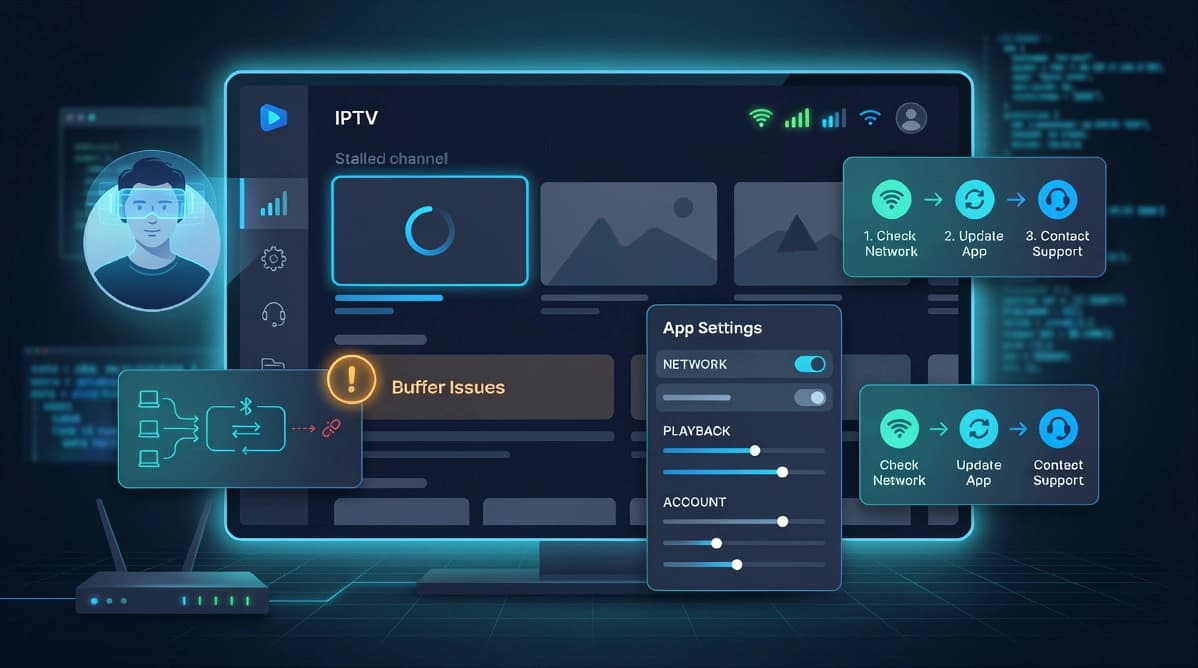
If performance needs improvement, check network stability, app updates, and device storage. Android TV boxes and televisions vary widely in power, so a few maintenance checks can have a visible impact.
You can also keep the experience smoother by limiting unnecessary background apps and updating the system software when stable updates are available.
- Check free storage and close unused apps
- Keep the Android TV system updated
- Use Ethernet when the device is far from the router
Practical next step
Once you understand the topic covered here, the next step is usually to match it to your device setup, viewing habits, and subscription needs. That is why UltraMediaView pairs educational content with plan pages, tutorials, and direct support rather than leaving visitors to figure out the final step on their own.
If you still have questions after reading, the pricing, devices, tutorials, and contact pages can help you move from research into action with much less friction.
- Compare best IPTV UK providers if you are buying for the UK market.
- Review IPTV subscription in France for French-language plan guidance.
- Prepare your device with the install IPTV on Firestick guide.