How to Choose the Right IPTV Subscription
A buyer-focused guide to choosing the right plan length, evaluating support, and matching a subscription to your device and viewing habits.
What this guide covers
This article is designed to help readers move from general interest to practical action. It focuses on the main steps, decisions, and troubleshooting points that matter most for this topic, without forcing visitors to jump between multiple pages just to understand the basics.
If you are comparing devices, evaluating a subscription path, or preparing for setup, the sections below are meant to give you a clear, support-friendly starting point before you move on to pricing or direct WhatsApp contact.
Start with your goal
The best subscription is rarely the one with the biggest headline promise. It is the one that fits what you actually need today: maybe a short test period, maybe a stable family setup, or maybe a long-term plan that cuts down on renewals.
That is why it helps to define your goal first. Are you validating a new service, upgrading from another setup, or preparing one main TV for daily use? That answer shapes everything else.
- Short-term testing requires flexibility
- Family use often benefits from a longer, more stable plan
- Travel or secondary-room use may need a lighter setup path
Compare plan lengths
A one-month plan is ideal when you want to evaluate performance, support, and device fit before committing longer. It keeps the decision simple and gives you a practical trial window.
Three, six, and twelve-month plans are usually better once you know the service matches your routine. They reduce renewal friction and improve the value equation for customers who expect regular use.
- Choose 1 month for testing and first-time confidence
- Choose 3 months for balanced value
- Choose 6 or 12 months for convenience and stronger long-term savings
Check device compatibility
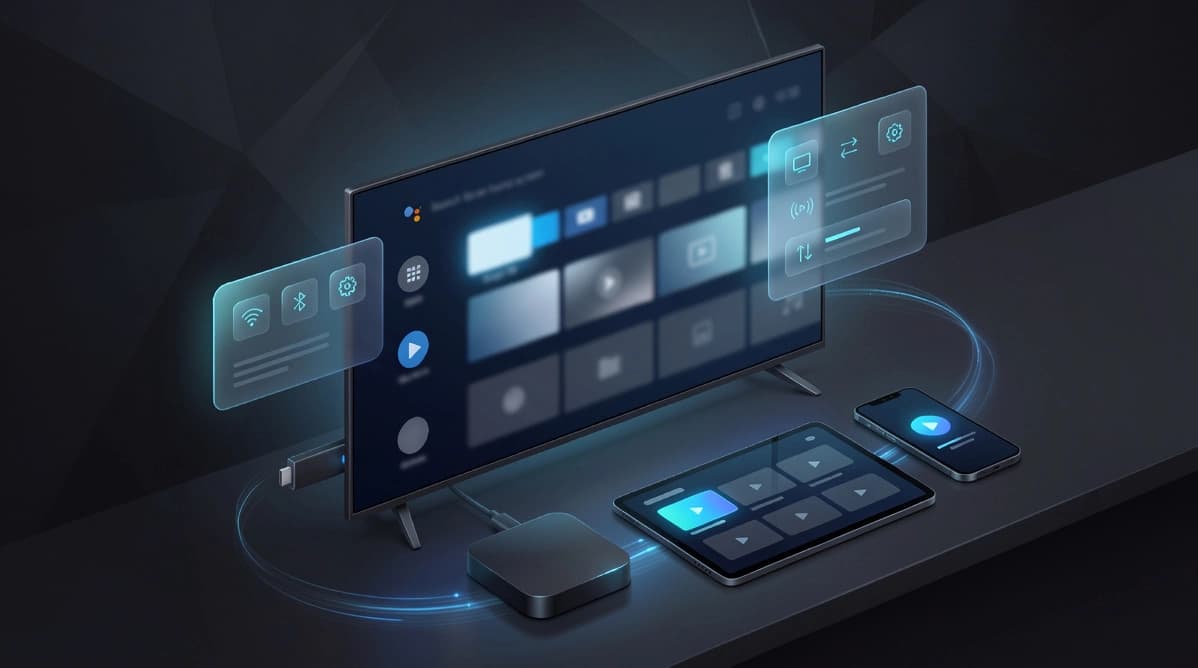
Even a great plan can feel disappointing if the device setup is weak. Before ordering, confirm whether you plan to watch on a Smart TV, Android TV, Fire TV, tablet, or another supported screen.
Compatibility is not only about whether the service can run. It is also about whether the app experience feels comfortable for the way your household watches every day.
- Match the plan to the device you use most often
- Check app availability before paying
- Think about remote control comfort and daily usability
Look at support quality
Support quality matters more than many buyers expect. Fast, clear WhatsApp communication can save time during setup, help with device questions, and make renewals much easier later.
A premium subscription experience is not just about access. It is about confidence that there is a real team ready to guide you when something needs clarification.
- Choose a provider with direct and responsive ordering support
- Look for practical setup guidance rather than vague promises
- Value onboarding quality as much as plan pricing
Practical next step
Once you understand the topic covered here, the next step is usually to match it to your device setup, viewing habits, and subscription needs. That is why UltraMediaView pairs educational content with plan pages, tutorials, and direct support rather than leaving visitors to figure out the final step on their own.
If you still have questions after reading, the pricing, devices, tutorials, and contact pages can help you move from research into action with much less friction.
- Compare best IPTV UK providers if you are buying for the UK market.
- Review IPTV subscription in France for French-language plan guidance.
- Prepare your device with the install IPTV on Firestick guide.